Use Auto Height on Webflow Sliders for Dynamic, Responsive Content
-
webflow work
-
July 11, 2025
-
webflow
-
0 Comments
In the world of responsive web design, content flexibility is essential — especially when using sliders to showcase testimonials, blog previews, case studies, or product features. But what happens when each slide contains different amounts of content? Without the right setup, your Webflow slider may experience layout jumps, excessive empty space, or clipped text — which not only disrupts the …
Continue Reading
Add Custom Cursor Effects in Webflow for a Unique, Interactive UX Experience
-
webflow work
-
July 11, 2025
-
webflow
-
0 Comments
In modern web design, small touches can make a big impact. One such underused but powerful tool is the custom cursor — a subtle enhancement that turns ordinary mouse movements into branded, immersive interactions. Whether you’re creating a portfolio, a product landing page, or a creative studio site, using a custom cursor in Webflow is a quick, lightweight way to …
Continue Reading
Catch SEO & Accessibility Issues with Webflow’s Audit Panel Before You Publish
-
webflow work
-
July 11, 2025
-
webflow
-
0 Comments
In the world of modern web design, achieving visual excellence is just the beginning. True digital success lies in the seamless integration of design aesthetics, accessibility standards, SEO optimization, and site performance. These elements, when harmonized, create a user experience that not only looks beautiful but functions effectively across all devices and platforms. This is where Webflow’s Audit Panel becomes …
Continue Reading
Style Your Webflow Form Success Messages for a Better UX & SEO Boost
-
webflow work
-
July 11, 2025
-
webflow
-
0 Comments
In modern web design, a form success message isn’t just a courtesy — it’s a key part of the user journey and brand communication strategy. When a user submits a form — whether it’s a contact inquiry, newsletter subscription, product demo request, or service booking — what happens next can significantly influence how the user perceives your brand. A thoughtfully …
Continue Reading
Enhance Navigation UX with “Current” State Styling in Webflow
-
webflow work
-
July 11, 2025
-
webflow
-
0 Comments
In modern web design, intuitive and accessible navigation is not just a UX best practice — it’s a vital component of keeping users engaged, reducing bounce rates, and improving SEO performance. When users land on your website, they should immediately understand where they are and how to move around. One powerful but often underutilized feature in Webflow is the “Current” …
Continue Reading
Create Global Styles with HTML Tags for Consistency in Webflow
-
webflow work
-
July 11, 2025
-
webflow
-
0 Comments
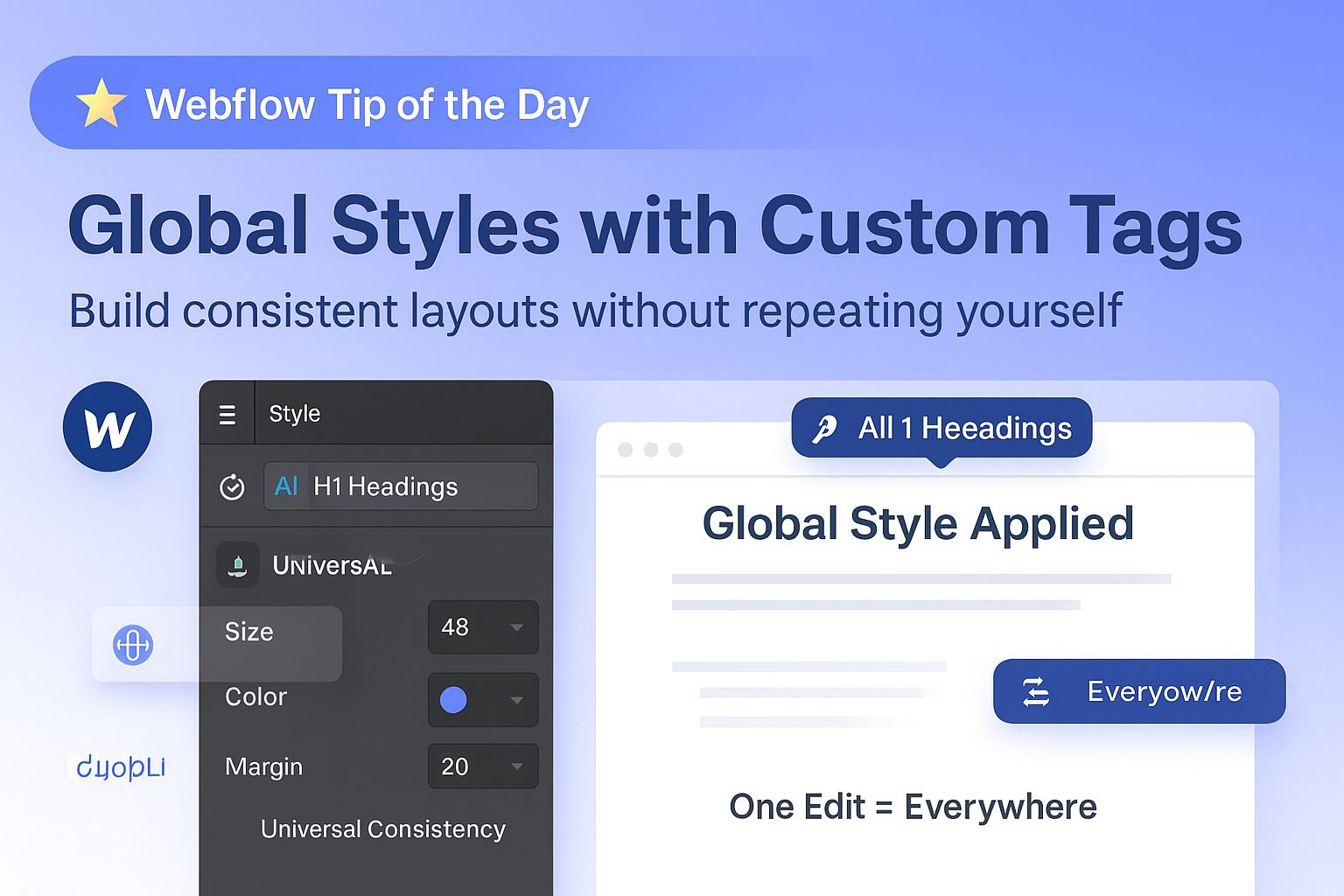
Design consistency isn’t just a visual choice — it’s a core principle in delivering a user-friendly, scalable, and high-performing website. In Webflow, one of the most effective ways to ensure consistent styling across your project is by leveraging global styles through semantic HTML tags such as <h1>, <p>, <a>, <button>, and more. Rather than creating separate classes for every text …
Continue Reading
How to Use Flexbox Gap in Webflow for Clean, Consistent Layout Spacing
-
webflow work
-
July 11, 2025
-
webflow
-
0 Comments
In modern web design, clean spacing isn’t just a visual preference — it’s essential for creating readable, accessible, and responsive layouts. If you’re still using manual margins between elements inside Flexbox containers, it’s time to switch to a smarter approach: Flexbox Gap. Webflow’s native support for the CSS Gap property gives designers a powerful tool to control spacing without cluttering …
Continue Reading
Unlock Cleaner Webflow Layouts with Smart Use of Negative Margins
-
webflow work
-
July 11, 2025
-
webflow
-
0 Comments
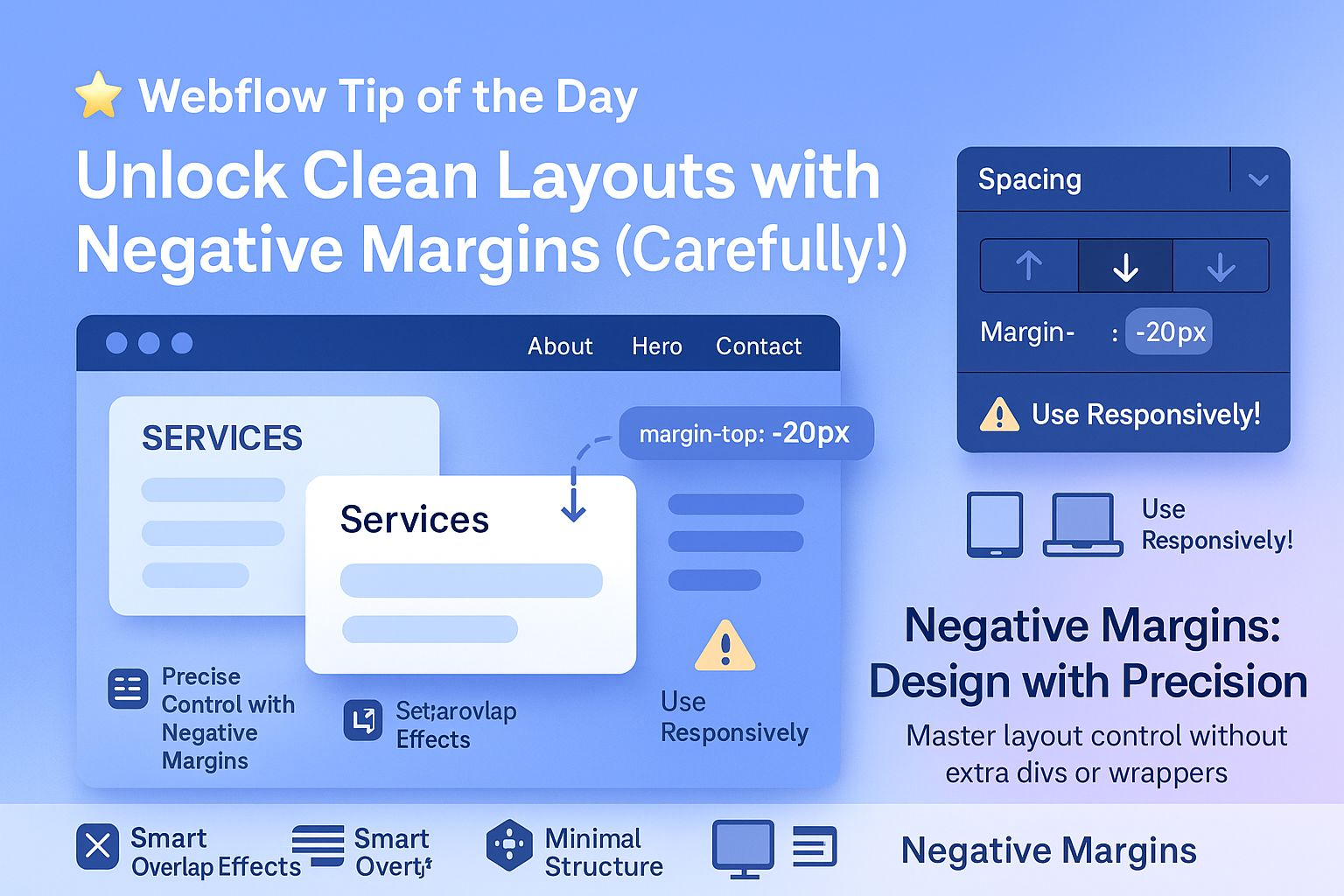
In modern web design, achieving clean, precise spacing is critical — especially when building responsive, professional-grade websites with Webflow. However, many designers make the mistake of adding unnecessary extra divs or wrapper elements just to control spacing. This increases your DOM size, adds complexity, and can negatively impact both site performance and SEO. That’s where negative margins come in — …
Continue Reading