How to Use Flexbox Gap in Webflow for Clean, Consistent Layout Spacing
-
webflow work
-
July 11, 2025
-
webflow
-
0 Comments
In modern web design, clean spacing isn’t just a visual preference — it’s essential for creating readable, accessible, and responsive layouts. If you’re still using manual margins between elements inside Flexbox containers, it’s time to switch to a smarter approach: Flexbox Gap. Webflow’s native support for the CSS Gap property gives designers a powerful tool to control spacing without cluttering …
Continue Reading
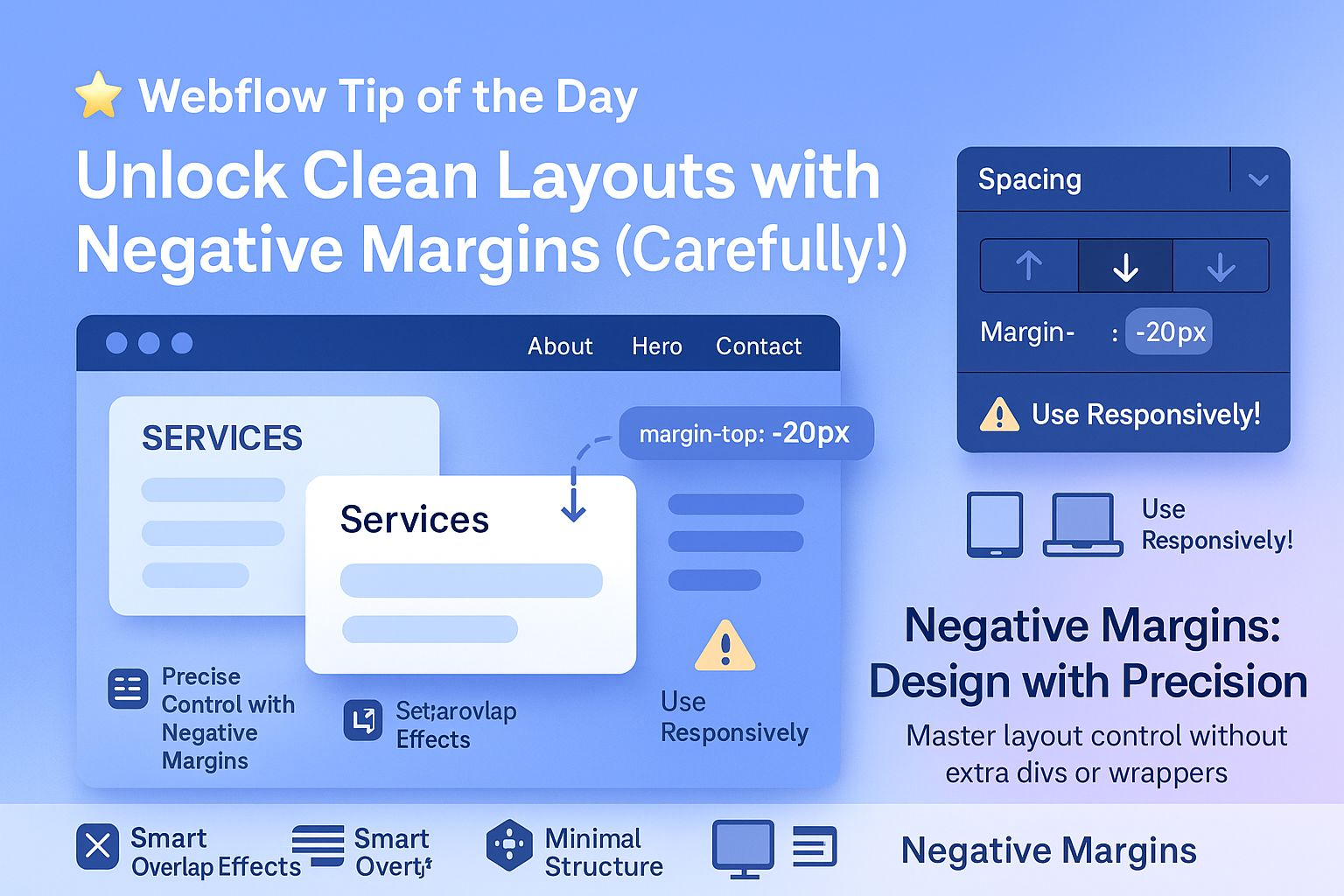
Unlock Cleaner Webflow Layouts with Smart Use of Negative Margins
-
webflow work
-
July 11, 2025
-
webflow
-
0 Comments
In modern web design, achieving clean, precise spacing is critical — especially when building responsive, professional-grade websites with Webflow. However, many designers make the mistake of adding unnecessary extra divs or wrapper elements just to control spacing. This increases your DOM size, adds complexity, and can negatively impact both site performance and SEO. That’s where negative margins come in — …
Continue Reading
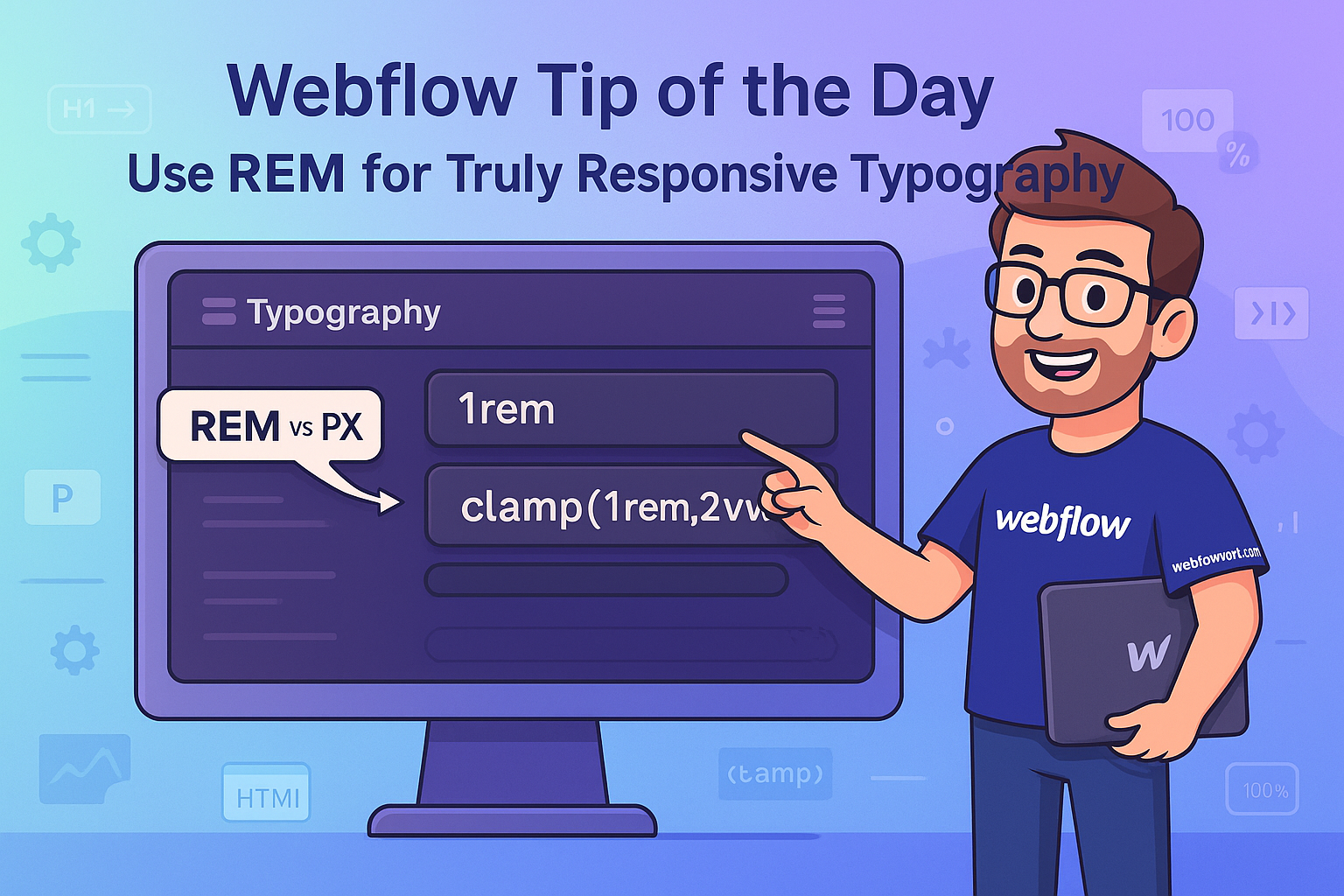
Use REM for Truly Responsive Typography What is REM?
-
webflow work
-
September 25, 2024
-
webflow
-
0 Comments
Use REM for Truly Responsive Typography What is REM? REM stands for Root EM, and it’s a relative unit of measurement in CSS. Rather than defining text sizes in absolute units like pixels (px), REM allows font sizes to scale based on the root font size of the document, usually defined in the <html> tag. If the root font size …
Continue Reading
How to Use Webflow Collection List Filters for Smarter CMS Layouts
-
webflow work
-
September 25, 2024
-
webflow
-
dynamic content webflow, featured content webflow, no code cms, responsive web design, webflow automation, webflow best practices, webflow blog, webflow cms, webflow collection list, webflow featured items, webflow filters, webflow for real estate, webflow portfolio, webflow smart layouts, webflow tips
-
0 Comments
One of the most powerful features of Webflow CMS is the Collection List + Filters combo. It allows you to dynamically display only the content you want, based on custom rules you define. This is a game-changer when you’re building scalable and content-rich websites like blogs, real estate portals, portfolios, or e-commerce stores. Why This Matters With traditional static …
Continue Reading
How to Add Smooth Anchor Scroll in Webflow (With Custom Code)
-
webflow work
-
September 25, 2024
-
webflow
-
0 Comments
Enhance User Experience with Smooth Anchor Scrolling in Webflow Looking to create a buttery-smooth scrolling effect when users click internal links like “Back to Top” or section-based navigation menus in your Webflow website? By default, Webflow instantly jumps to anchor points — which can feel abrupt, especially on longer pages. With just a small snippet of custom CSS code, you …
Continue Reading
Supercharge Webflow CMS Performance: Optimize Your Collection List for Speed, SEO & UX
-
webflow work
-
September 25, 2024
-
webflow
-
0 Comments
If your Webflow CMS pages are starting to feel heavy or slow — especially when displaying many dynamic items like blog posts or products — you’re not alone. Overloaded Collection Lists can harm user experience, reduce site speed, and negatively impact SEO rankings, particularly on mobile devices. 1. Limit the Number of Items Displayed Per Collection List Displaying too many …
Continue Reading
Use Custom 404 Pages to Improve UX & SEO: A Must-Have for Every Website
-
webflow work
-
September 25, 2024
-
webflow
-
0 Comments
When users click a broken link or type an incorrect URL, they often land on your site’s 404 error page. While this might seem like a frustrating dead end, it’s actually a hidden opportunity. A custom-designed 404 page not only softens the impact of the error but also plays a crucial role in enhancing user experience (UX) and maintaining your …
Continue Reading
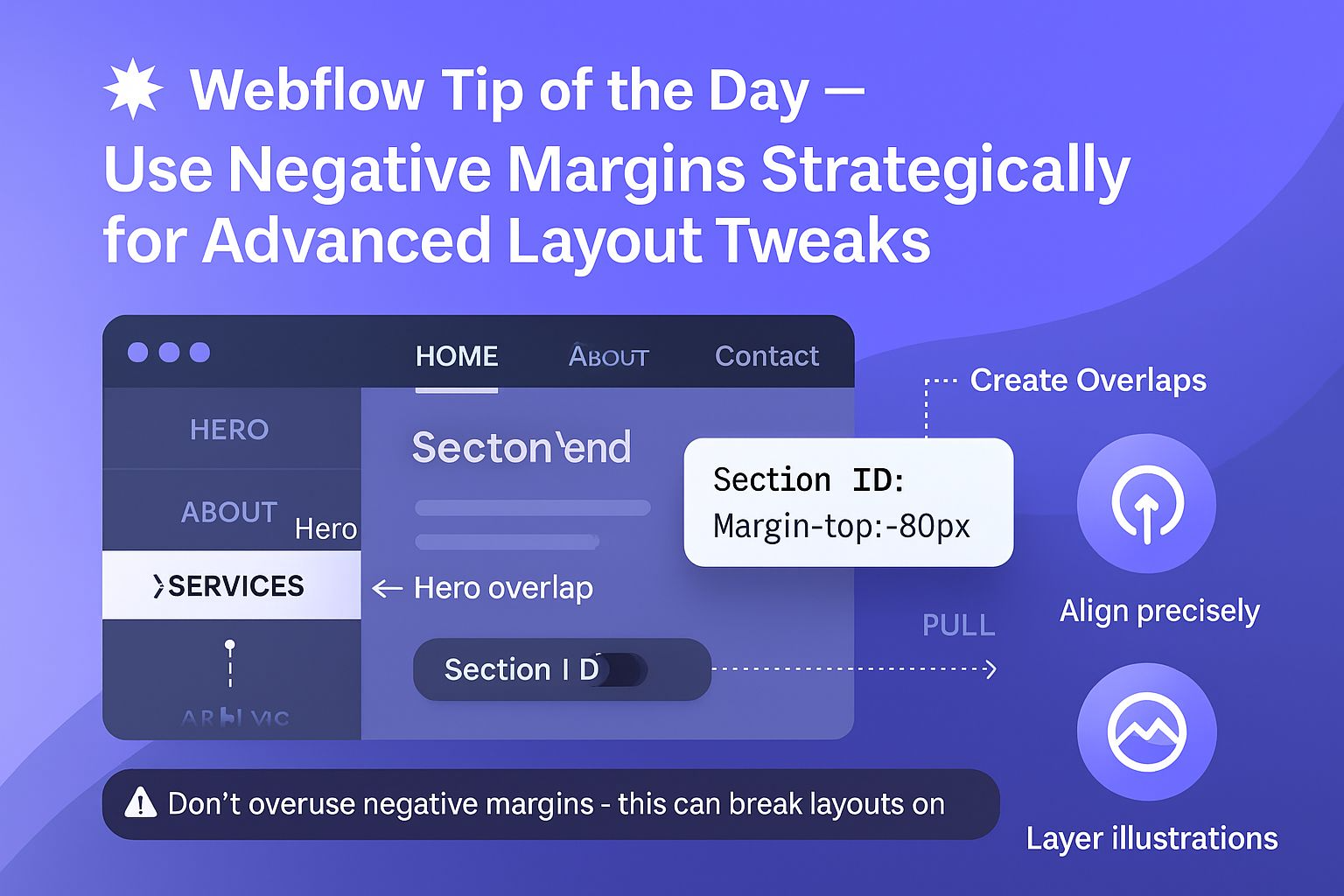
How to Use Negative Margins in Webflow for Creative Layout Control
-
webflow work
-
September 25, 2024
-
webflow
-
0 Comments
In modern web design, layout precision matters — and negative margins can be your secret weapon. When used strategically, they allow you to fine-tune spacing, create overlap effects, and enhance visual storytelling without adding extra div blocks or breaking your layout structure. But like any powerful tool, they need to be applied thoughtfully to avoid breaking your site’s responsiveness or …
Continue Reading
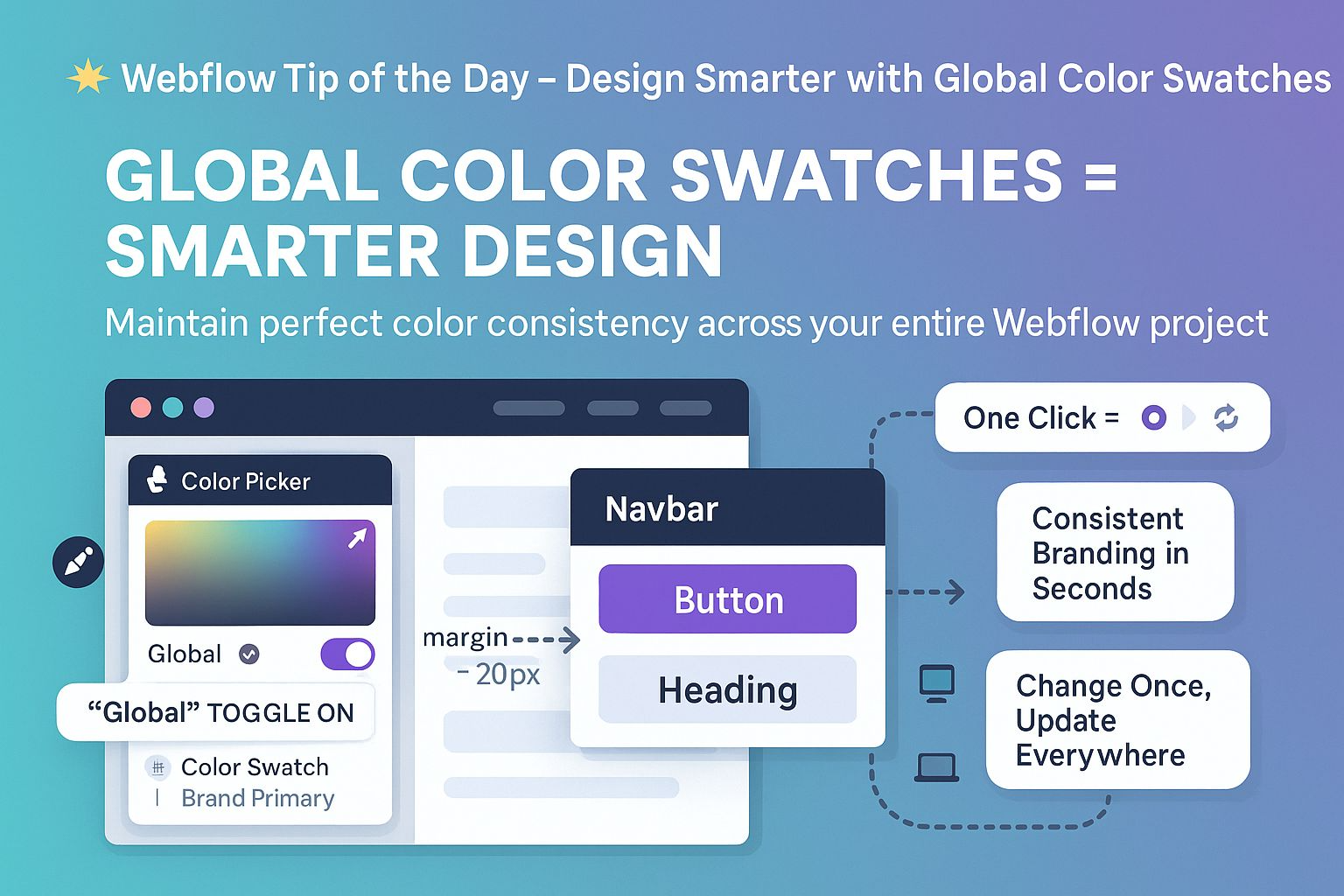
Design Smarter in Webflow with Global Color Swatches
-
webflow work
-
September 24, 2024
-
webflow
-
0 Comments
In modern web design, visual consistency isn’t just about aesthetics — it’s a core element of brand recognition, user trust, and user experience (UX). When your website’s colors are inconsistent or manually applied across dozens of elements, it not only leads to design drift, but also makes your workflow inefficient and error-prone. That’s where Webflow’s Global Color Swatches come in. …
Continue Reading